New Voice XML Phone Configuration for Alcatel Instant Communications Suite (ICS)
Table of Contents
1. Configuring the New Voice XML phone application
1.1 First Initialisation
Whenever the New Voice web is installed or the XML phone application has been updated, a (re-)initialisation must be carried by entering the following commands in the command line:
> cd /d d:\nv_web\nvapps\nvxmlphone
> app\console nvxmlphone:init
This operation will (re-)initialise the XML phone database and generate/update the file nvwxmlphone.ini .
2. Configuring the Alcatel ICS
The New Voice XML phone application requires access to:
- To the Alcatel ICS on which the PRS (PResentation Server) is running
2.1 Accessing the Alcatel ICS
Log-in to "Cisco Unified CM Administration". The URL will be something like:
https://<ICS-Server>/WebAdmin
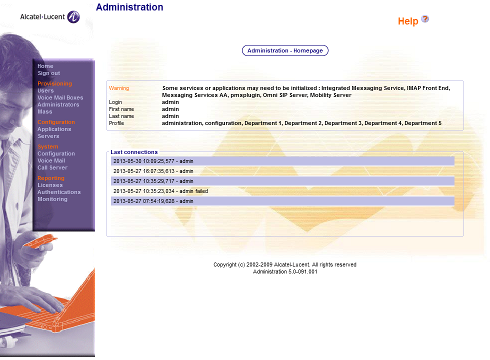
After successful authentication with a correct login and password the main screen is shown.
2.2 Creating the New Voice Alarm Service
Select "Servers" from the left menu.
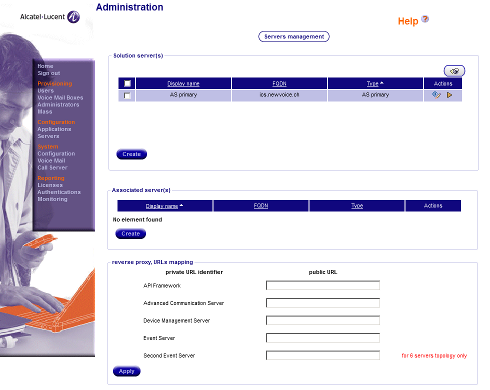
Click on the triangle icon ("Topology management") in the "Actions" column.
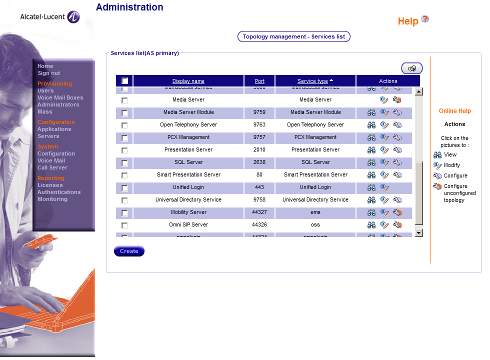
Search for the "Presentation Server" entry and click on the wrench icon ("Configure") in the "Actions" column.
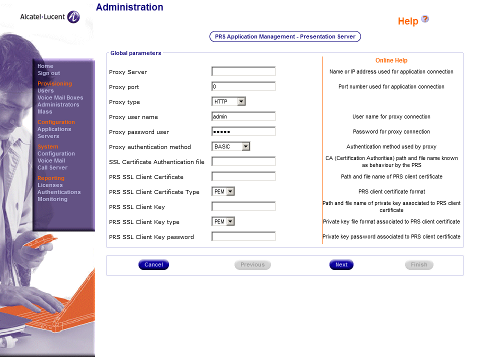
Click on "Next".
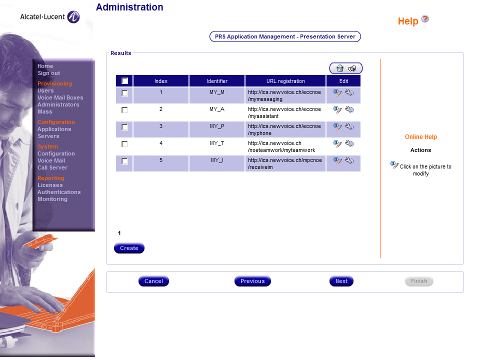
Click on "Create" and complete the form by entering the following information:
- Index (must be a free application index number)
- Identifier:
NV_A
- URL registration:
http://<MobiCall Server>/nvxmlphone/sys/alcatel/register
- Registration URL param (keep default value):
(empty)
- Register Scan Period / Config Scan Period (same value for both fields, keep default value):
60
- Notification Scan Period (defines responsiveness to alarms, smaller values means faster reaction but also more load to the Mobicall server):
10
- HTTP time out (keep default value):
120
- State synchro all period (keep default value):
86400
- State delta period (keep default value):
10
- Inactivity timeout (keep default value):
300
- Pop Up Time Out (keep default value):
60
- Keep Alive Count max (keep default value):
5
- User authentication / password authentication (same value for both fields, keep default value):
(empty)
- User method authentication (keep default value):
BASIC
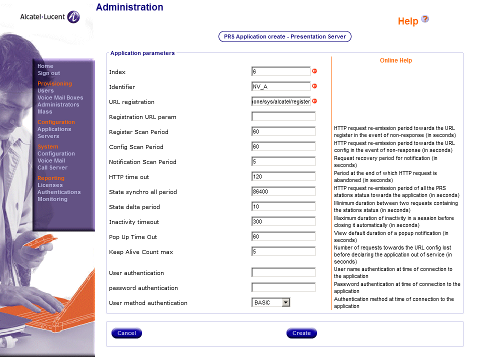
Click on "Create".
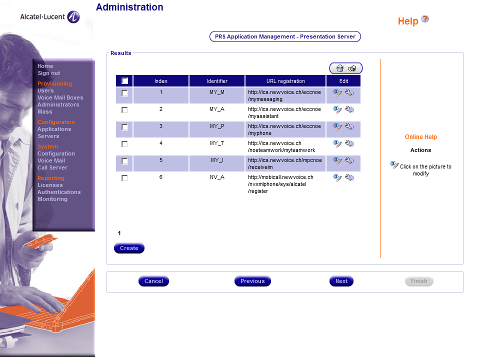
Click on "Next".
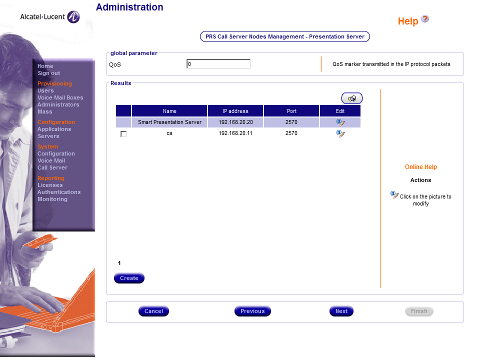
Click on "Next".
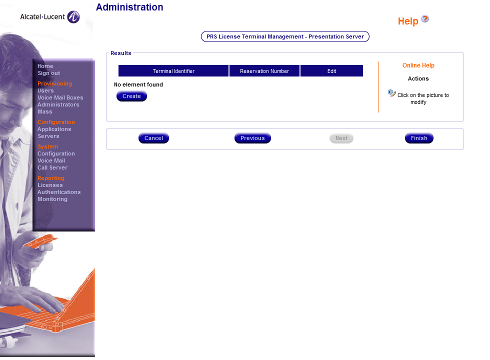
Click on "Finish".
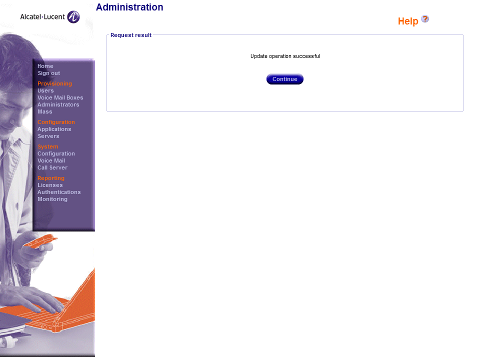
Click on "Continue".
The Alcatel Presentation server will now start communicating with the MobiCall server. This can be verified by having a look into the Apache access log file "nvwsvr_web7_access_YYYYMMDD.log" on the MobiCall server.
3. Testing the New Voice XML Phone Application
3.1 Accessing the Phone Alarm List
3.2 Executing an XML Phone Text Alarm
3.3 Executing an XML Phone Image Alarm
3.4 Executing an XML Phone Camera Alarm
3.4 Executing an XML Phone Application Alarm
This alarm type is currently not supported